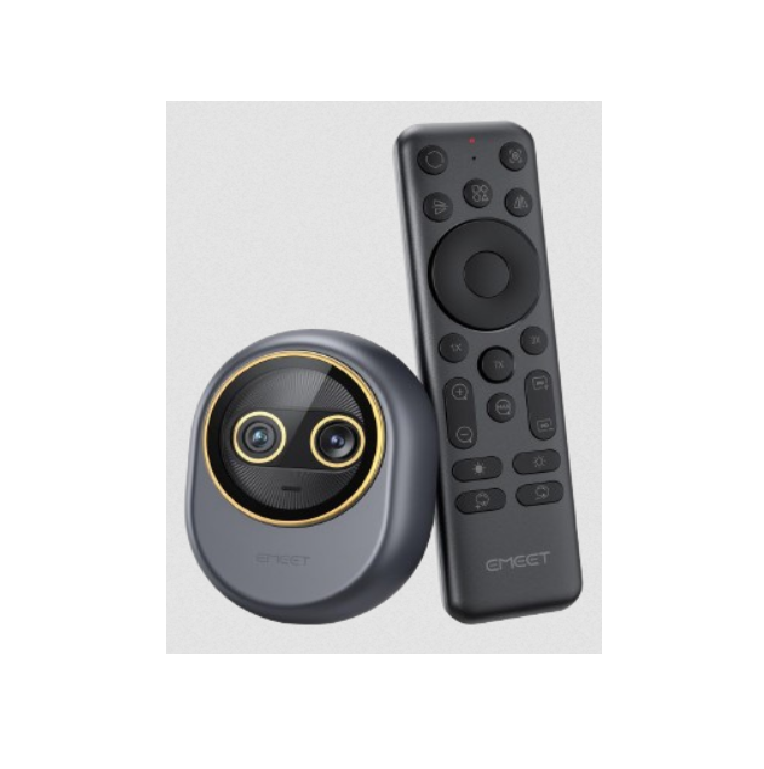
EMEET Piko Dual-Camera AI-Powered 4K Webcam and its wireless remote control user manual
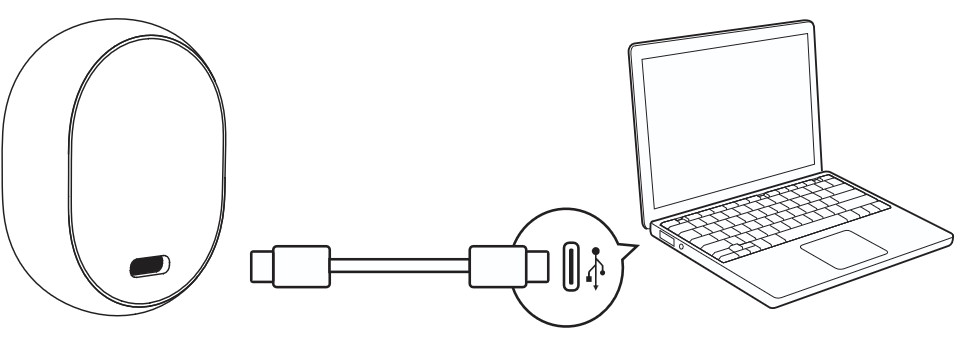
Connect to computer
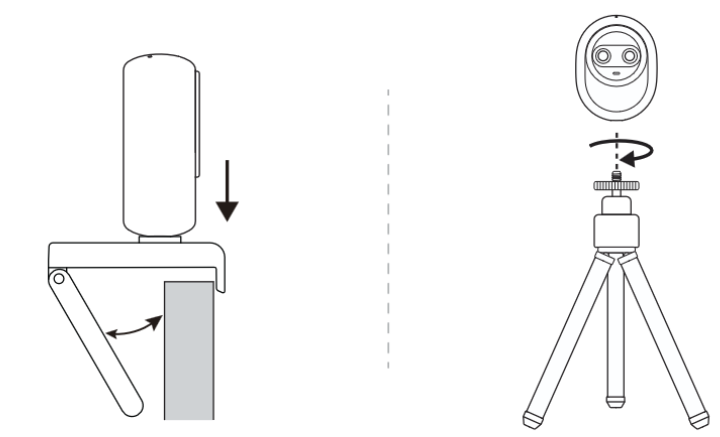
Compatible with tripod (tripod sold separately).
Download EMEET STUDIO for Personalization.
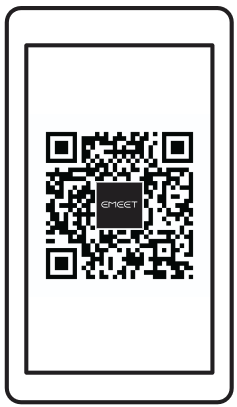
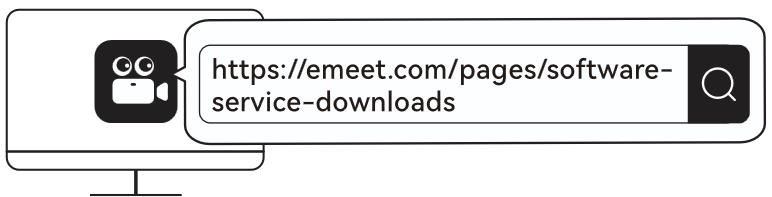
https://emeet.com/pages/software-
More frequently asked questions (FAQ) can be found by scanning the QR code below or visiting the corresponding link.
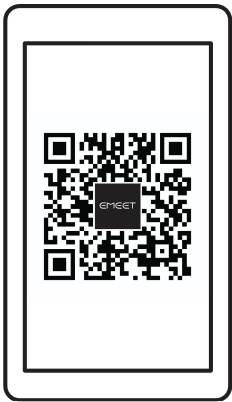
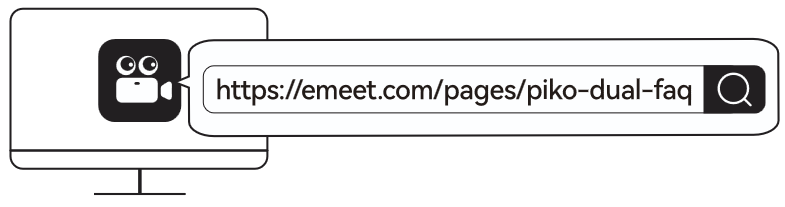
https://emeet.com/pages/piko-dual-faq
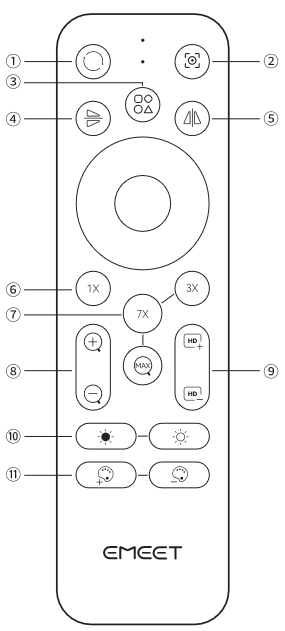
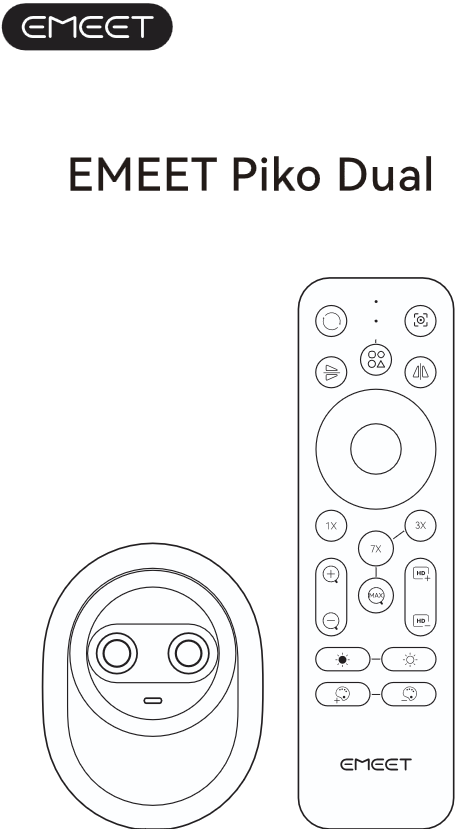
- Reset: Image restored to initial state.
- Focus: Switch between Autofocus and Fixed Focus.
- Switch: Switch between the wide-angle camera and the telephoto camera.
- Flip: Rotate Image 180° Vertically
- Mirror: Flip Image 180° Horizontally,
- 1X: Restore Image to Original Size.
- 3X/7X/Max: Image 3× /7x/Maximum Zoom.
- Zoom In/Out: Enlarge/Reduce Image Display.
- Sharpness +/-: Increase/Decrease Sharpness.
- Brightness +/-: Increase/Decrease Image Brightness.
- Color +/-: Increase/Decrease Image Color Saturation.