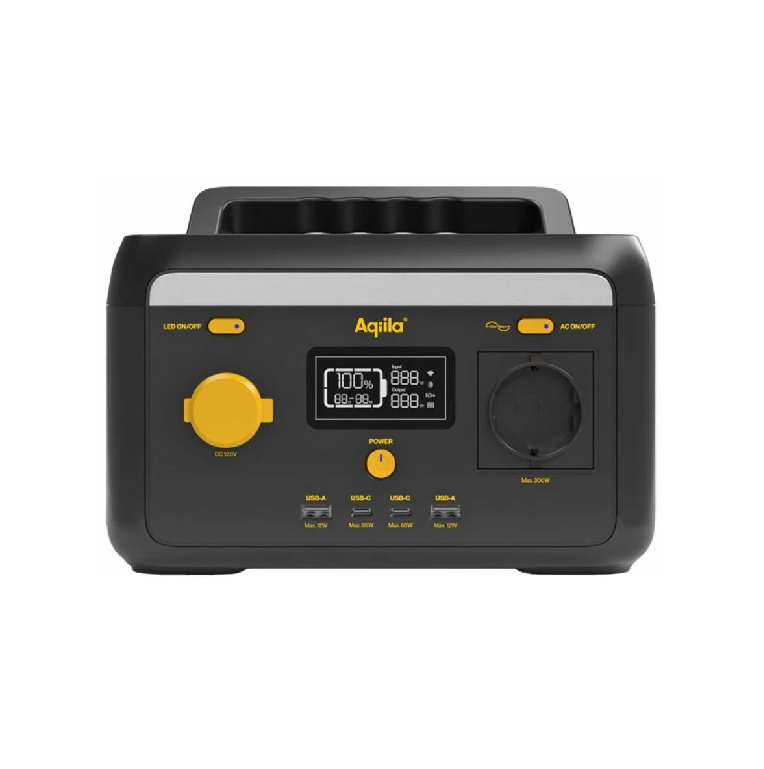
Aqiila Powerbird S300 Portable Power Station Instructions
https://aqiila.eu/product/powerbird-300/
https://cutt.ly/PowerbirdAndroidApp
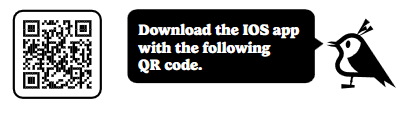
https://cutt.ly/PowerbirdAppIOS
Congratulations
with the purchase of your Aqiila Powerbird S300 power station.
Here are a few pointers to get you started.
OVERVIEW
Get to know your power station.
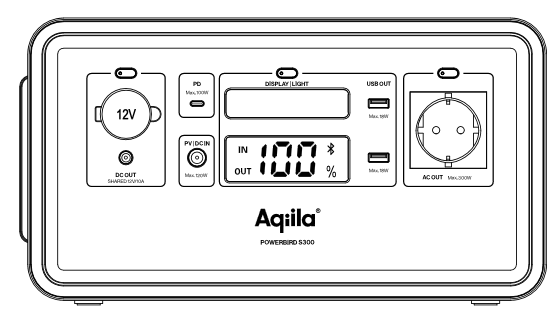
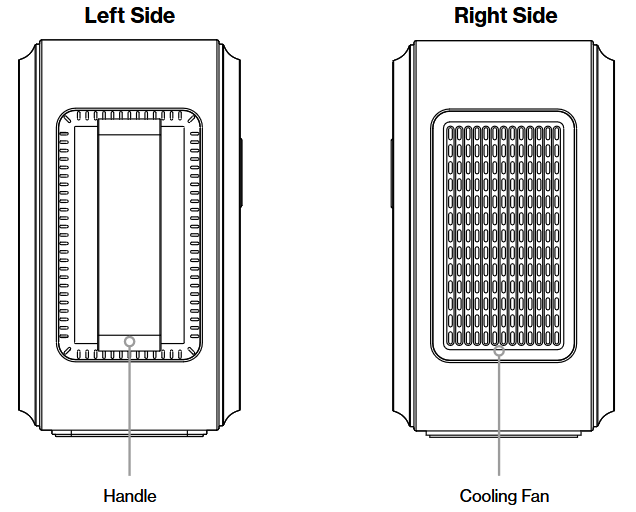
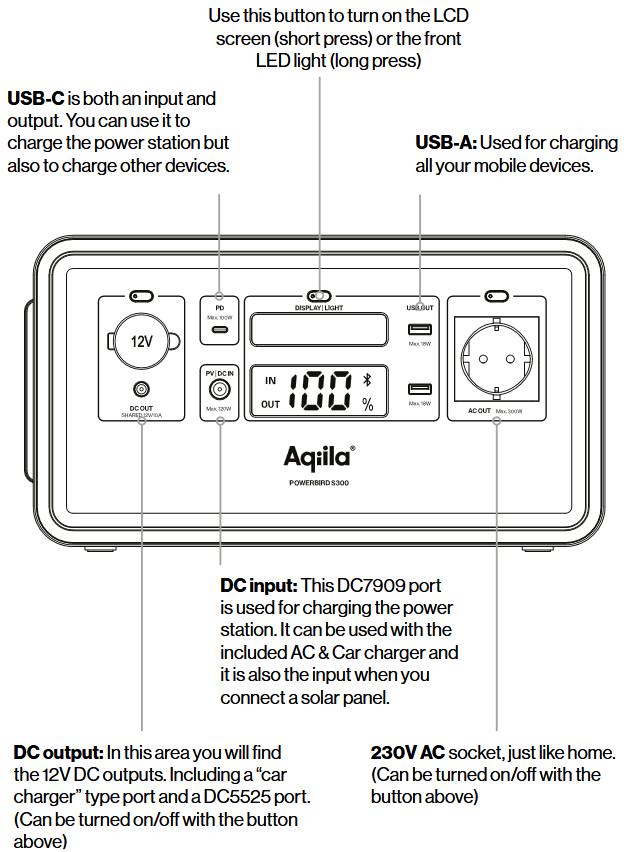
If you look at all the inputs and outputs on the Powerbird you will surely recognize most of them. You can use them in the same way as you normally do.
Simply put, the Powerbird is a portable battery that enables you to bring much power with you, wherever you go.
USING THE POWERBIRD
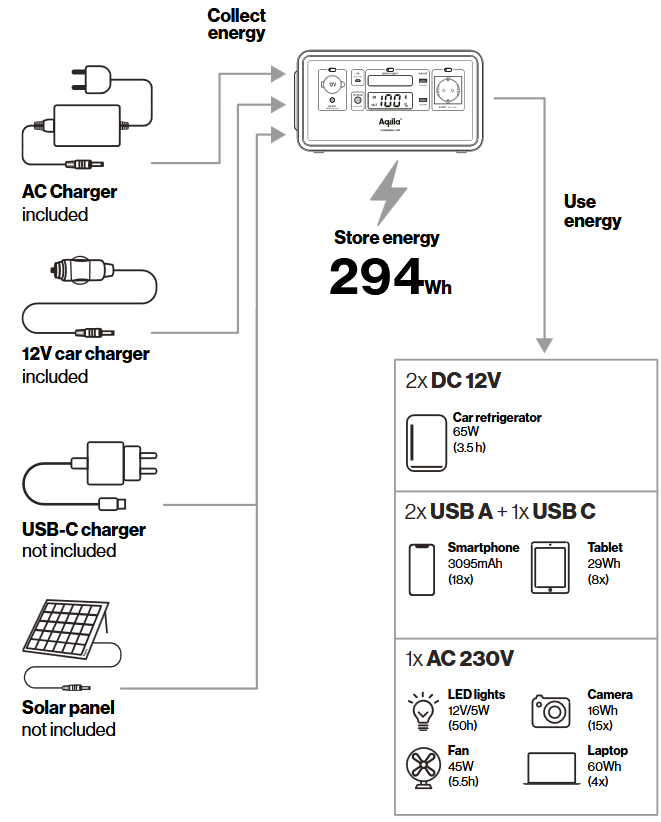
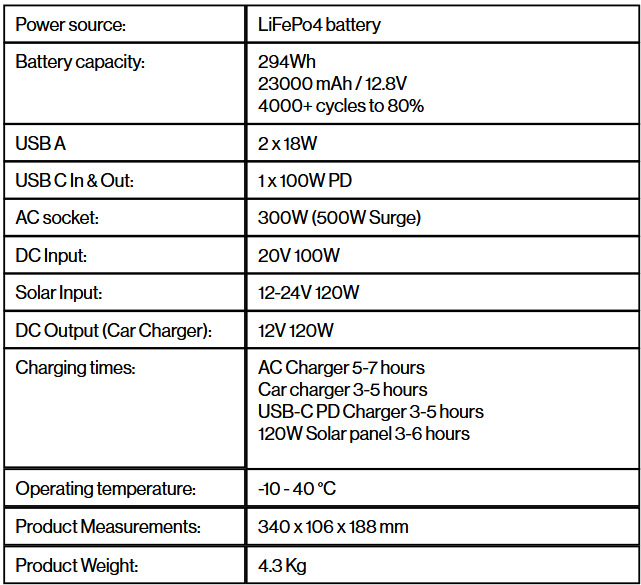
SPECIFICATIONS
USE INSTRUCTIONS
- Press the buttons near the ports to turn them ON or OFF.
- USB ports are always on, all you have to do is plug in your cable.
- AC output is stable at 300W (peak at 500W). If more power than this is drawn the power station will shut off automatically.
- When the AC port(s) are not in use, turn them off to save power.
LED SCREEN INSTRUCTIONS
The LED screen of this product displays the product usage status. When the product is fully charged, the LED screen turns off and stops charging.
When any function is activated, the screen will light up. When the screen display is not needed you can press the button to turn off the LED screen.
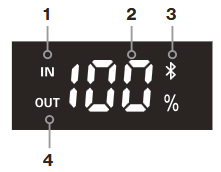
- The input power
- Battery level display
- The Bluetooth logo
- The output power
APP INSTRUCTIONS
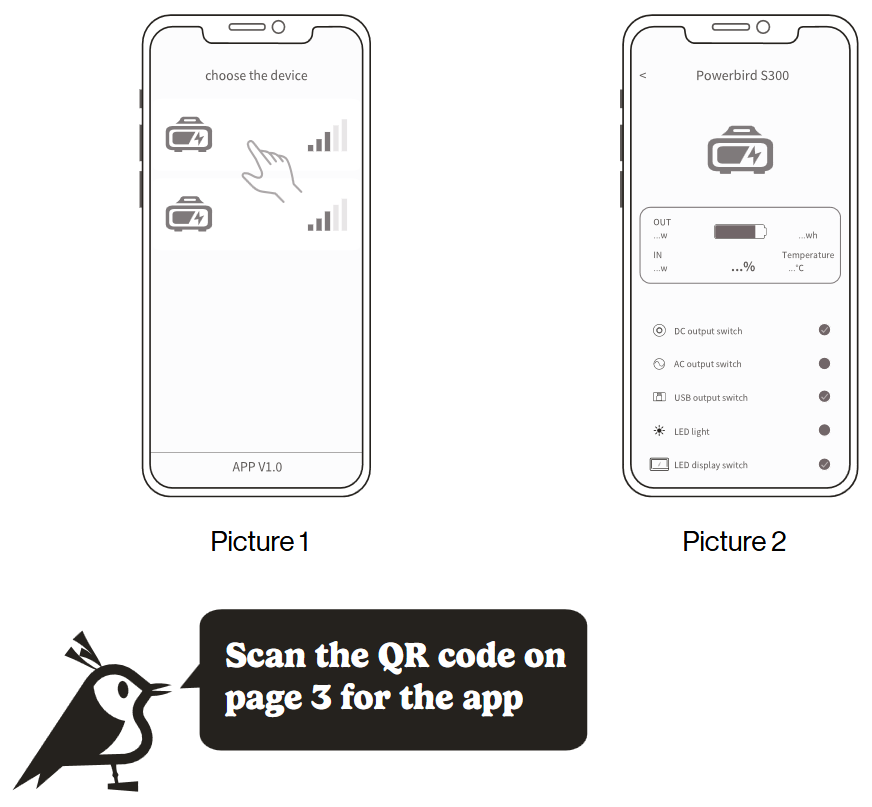
- Scan the code, download the APP (Power One).
- Press the screen button.
- urn on the permission of the mobile device:
For Android, turn on the bluetooth and locationpermission.
For IOS system, turn on the bluetooth. - Open the APP and choose the device. (as shown in picture 1)
- Select the device, user can turn on/off the USB port, car port and AC port. (as shown in picture 1)
SAFETY
Important safety information
- Our product is not suitable for use with installations for personal safety or rely significantly on the power supply, such as medical equipment etc.
- Check the system before each use. Do not use the system if it is damaged or defective.
- According to the airline’s transport standards, lithium batteries with 100Wh capacity cannot be transported by air. For transport in vehicles, ensure that the system is properly secured when transported in a motor vehicle.
- Do not create a short-circuit. Avoid storing the product together with metal objects such as coins, jewelry, keys, etc.
- Do not let water or heat sources near the product. Do not place close to fire or under water.
- Do not use the product in a highly humid or dusty environment.
- Do not dissasemble the device in any way.
- Do not drop or put heavy objects on the product.
- Please place product in a place where people with low physical, sensory and/or mental abilities, lack of relevant knowledge cannot reach the product.
- Avoid children operating the product.
- Do not cover product with towels or clothes when in use.
- Do not let water or heat sources near the product. Do not place close to fire or under water.
- Charge the product regularly (every 3 months minimum).
- Disconnect appliances when fully charged.

Protection class 2
This device of protection class 2 has been reinforced or double insulated at the level of the rated insulation voltage between active and touchable parts. Electrically conductive surfaces or conductive touchable parts are thus separated from live parts by reinforced or double insulation.

Recycling
Please recycle the packaging materials and dispose of them in sorted waste.
Disposal
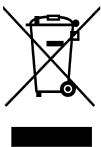
The ”crossed-out dustbin” requires the separate disposal of waste electrical and electronic equipment (WEEE). Electrical and electronic equipment may contain hazardous and environmentally dangerous substances. Do not dispose of this product in unsorted residual waste but bring to a designated collection point for electrical and electronic equipment. For more information, please contact your point of purchase or local authorities.

CE
We hereby certify that this product complies with the essential requirements, regulations and directives of the EU.