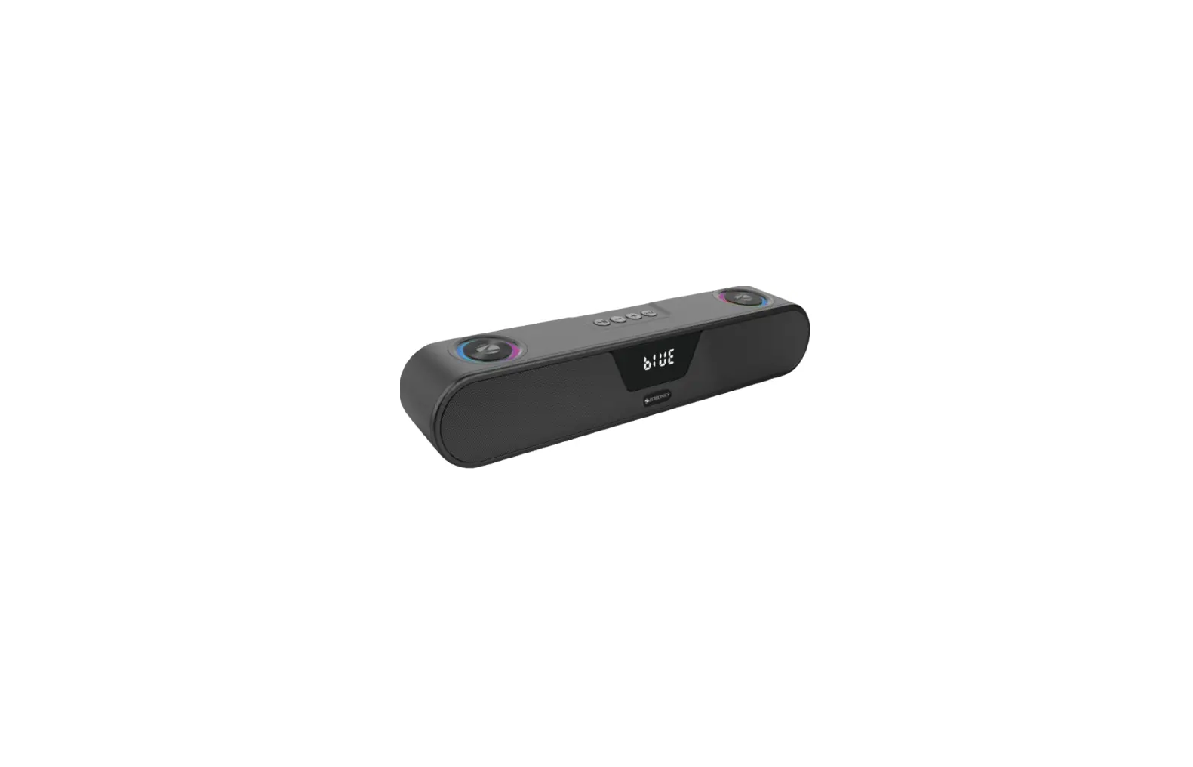
ZEBRONICS ASTRA 40,PSPK 44 Portable Bluetooth Speaker User Manual
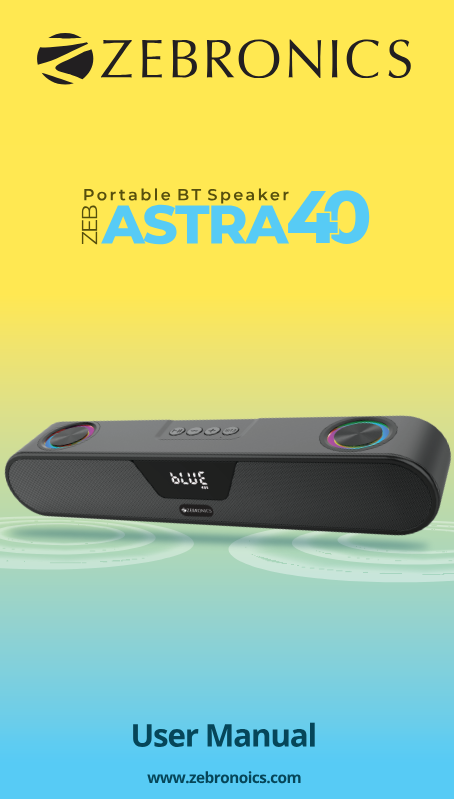
Thank you for purchasing ZEB-ASTRA 40 Speaker. Please read this user manual carefully and keep it for future reference.
Note:
- Avoid the usage of this product at the high temperature and high humidity environment.
- Avoid the self-disassembly of the products or it results in the voiding the product’s Warranty.
- Turn off the speaker when the speaker is not in use.
- To know more about Terms and conditions for warranty policy, please visit:
https://zebronics.com/pages/warranty-policy
Features:
BT V5.3 | USB | mSD | FM | AUX
TWS Function
Call Function
Media / Volume control
Built-in Rechargeable battery
Dual Passive Radiators
Matte Finish
RGB LED modes
Specifications:
Model No : ZEB-PSPK 44
Output Power (RMS) :20W (10W + 10W)
BT Version :153
Driver Size :152mmx 2
Speaker Impedance :130
Frequency Response :100Hz-20kHz
S/N Ratio :275dB
Separation :245dB
Max Supported
USB/mSD Memory Size :32GB
Supported Audio Formats : MP2, MP3
Charging Time :8.5h
Playback Time : 8h*
Product Dimensions
(Wx D xH) :373×6.5×6.5cm
Net. Weight :1622g
Package Contents :
Speaker :11U
Charging Cable :1U
Input Cable :1U
QR Code Guide :1U
Control Panel:

Buttons:
- “M/3” Button : Single press this button to Switch Modes. Long press this button to change LED , colors
- “+”Button : Long press for next track / Single press for volume up
- “-” Button : Long press for previous track / Single press for volume down
- “»11” Button : Single press for play and pause in USB, BT & mSD or scan in FM mode/ Long press for TWS function.
Rear Panel functions
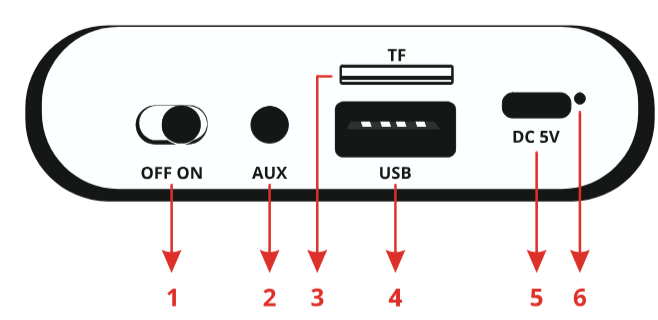
- Power On/Off switch
- Aux input
- mSD input
- USB input
- Charging input
- Charging indicator
General Instructions Charging Instructions
- Connect the one end of the power cable to speaker and connect the other end to a rated DC 5V adapter.
- The Speaker has constant Red led indication when the speaker is charging. The Indicator turns off when the speaker is completely charged.
BT Mode
- Turn ON the speaker, press “Mode” button to switch to BT Mode. Switch ON BT on your phone or tablet and search for nearby BT devices,
- Search for the BT name “ZEB-ASTRA 40″and tap to connect it.
- Short Press the “+” to increase the volume and long press the “+” button to switch to next track.
- Short Press the ” to decrease the volume and long press the – button to switch to previous track.
TWS Function
- Turn on two ZEB-ASTRA 40 speakers.
- Long press on the Il button for few seconds on any one speaker to activate TWS function.
- After Few seconds, you’ll hear TWS connected notification from the speakers when they are connected successfully.
- Now, search for nearby BT device in your mobile and Tap on the BT name ZEB-ASTRA 40 to pair the speaker
Note: Requires two Zebronics ASTRA 40 speakers for TWS feature.
AUX-IN
- The speaker can be connected to an audio source using a 3.5mm to 3.5mm cable.
- Connect the one end of the 3.5mm connector to the speaker and the other end of the cable to an audio source. The speaker automatically detects.
use
- The speaker automatically switches to USB input mode when a USB flash drive is inserted into the speaker.
- The songs from the USB audio source can be heard through the speaker (this mode isn’t selectable on the speaker unless a USB flash drive is connected).
FM Mode
- Pressthe M button to select FM mode. Short press »II button to initiate FM Scanning process. Once the scanning process is done, the Speaker automatically plays the First channel of the FM
- Call Function
- Single press the » Il button to answer/ end the Call
- Double press the »lI button to redial
1S0 9001:2015 Certified Company
www.zebronics.com