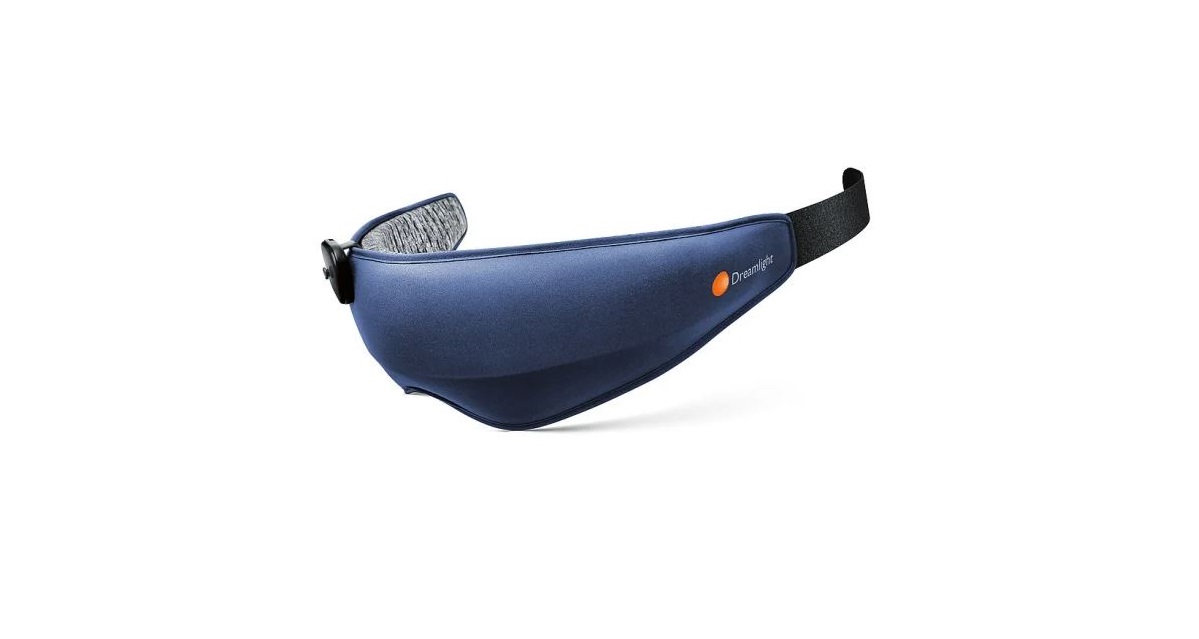
Wuneng Dreamlight Zen Sleep Mask Instruction
Welcome to Dreamlight ZEN! Visit us at www.Dreamlight.tech and download the user manual in PDF for further information.
A quick look at the product
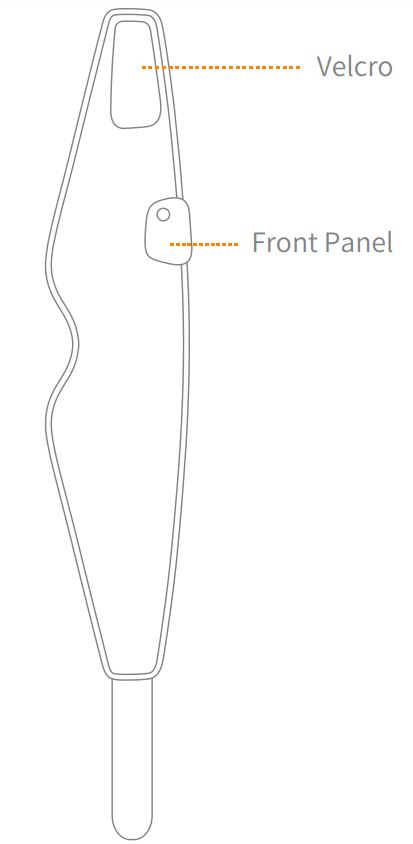
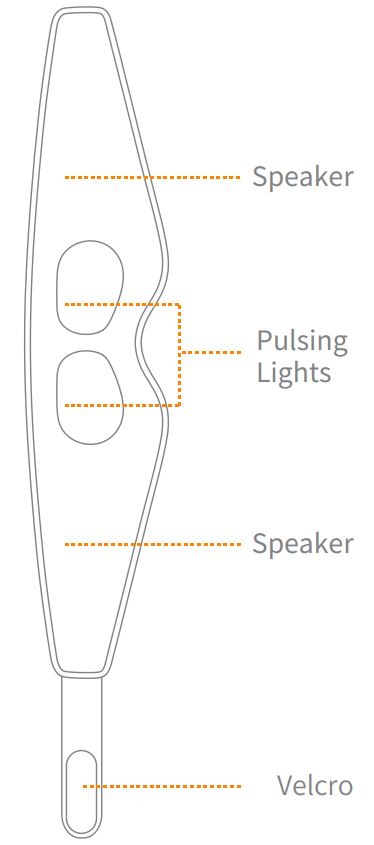
Operations of Dream light Zen
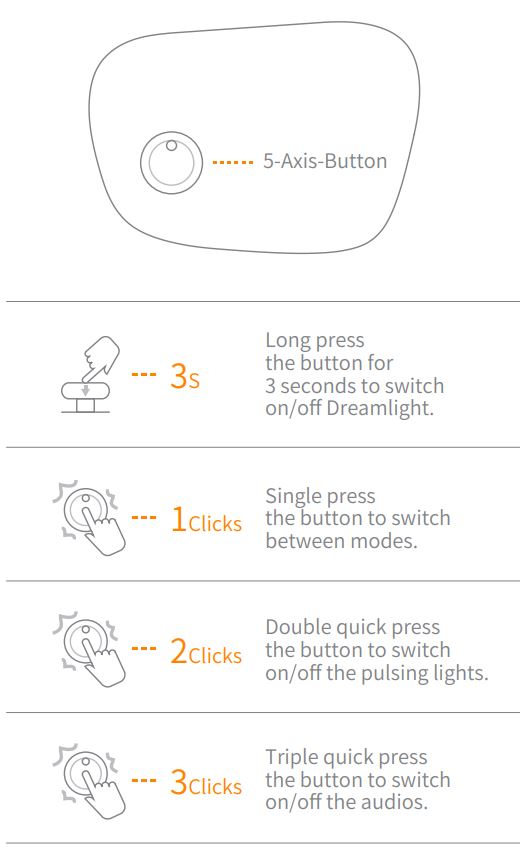
Let’s get on board!
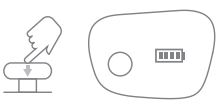
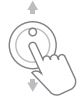
- Press the button for 3 seconds to start Dreamlight.
- Single press the button to switch between modes.

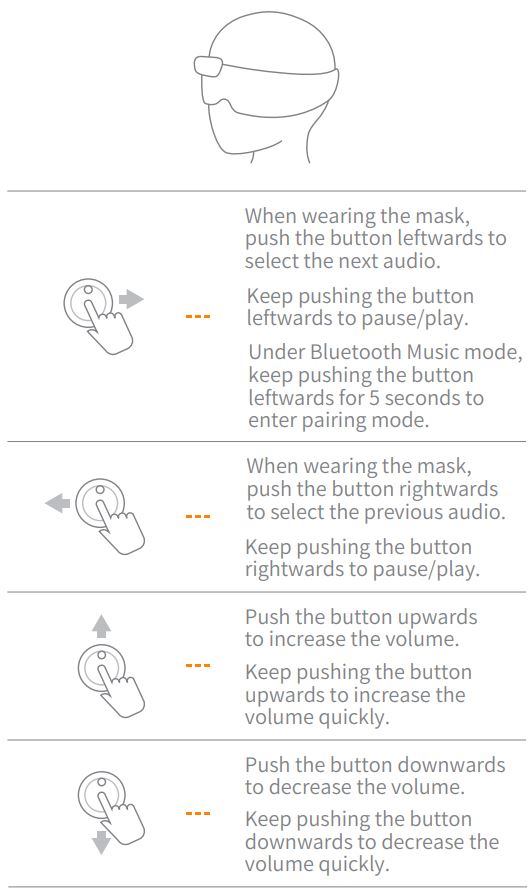
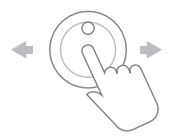
- Push the button leftwards or rightwards to select various audios. When it’s under ‘nap mode’, push the button leftwards or rightwards to choose different time settings.
- Push the button upwards/downwards to adjust to the appropriate volume.
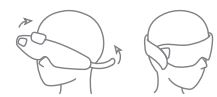
- Wear your Dreamlight Zen mask, and fix the velcro to a comfortable position.
Breathing is the essence of meditation. Let’s breathe with the guidance of the mindful lighting pattern within Dreamlight Zen and search for the ‘inner peace’ through each deep breath.
Slowly take a deep breath in through your nose when light intensity increases.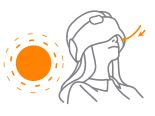
Slowly take a deep breath out through your mouth when light intensity decreases.
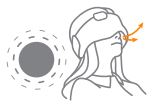 * If you can hear your breathing, the relaxation effect will enhance.
Some useful tips for the dearest you
What if the mask has light leakage?
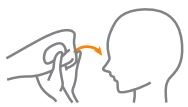 Please take it off and fold it in the opposite motion, re-apply the mask, and then adjust to a comfortable position. *Dreamlight Zen has five different working modes, check as below instructions to have a better understanding of how do they work.
Sleep-aid Guide
- When Dreamlight Zen is on, press the button to switch to ‘ Sleep-aid guide.’
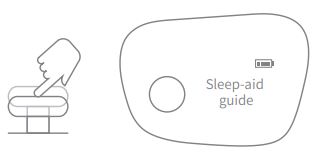
- Push the button leftwards/rightwards to select different audios within ‘Sleep-aid guide.’
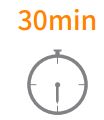
- The ‘Sleep-aid audios’ will switch off automatically in 30 minutes.
Sleep-aid Audios
- When Dreamlight Zen is on, press the button to switch to ‘ Sleep-aid Audio.’
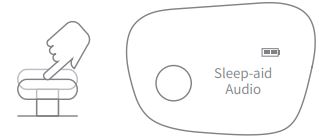
- Push the button leftwards/rightwards to select different audios within ‘Sleep-aid Audio.’
- The ‘Sleep-aid audios’ will switch off automatically in 30 minutes.
Meditation Audios
- When Dreamlight Zen is on, press the button to switch to ‘ Meditation Guide.’
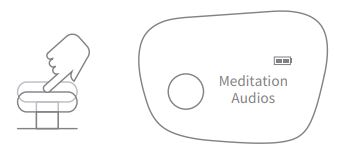
- Push the button leftwards/rightwards to select different audios within ‘Meditation Audios.’
- The ‘Meditation Audios’ will switch off automatically in 60 minutes.
Nap Mode
- When Dreamlight Zen is on, press the button to switch to ‘ Nap mode.’
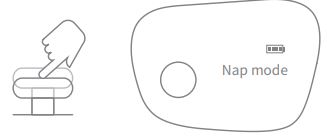
- Push the button leftwards/rightwards to select a different program: Nap for 10 min, 30min or 60min.
*When nap time is over, the mask will stream soft music to wake up the user.

Bluetooth Music
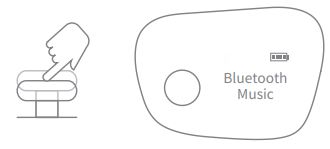
- When Dreamlight Zen is on, press the button to switch to ‘Bluetooth Music.’
Bluetooth Pairing
- The Bluetooth will be activated in 3 seconds once switch to Bluetooth Music Mode.
- Search ‘ Dreamlight Zen ‘ on your phone, and click to pair with it.
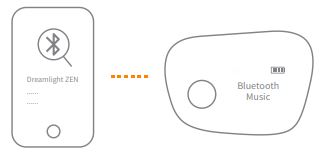
- Check pairing status:

* The disconnection might be caused by the fact that it’s connected to another device. Push the button leftwards for 5 seconds to activate the Bluetooth again.
Charging
- Charge Dreamlight ZEN when the battery power is less than 25%.
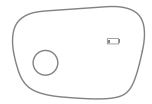
- Use the included cable for charging Dreamlight ZEN.

- Before the first use, please charge Dreamlight continuously for 3 hours.
- During charging, the battery icon will flash in a cycle.

- Do not use Dreamlight ZEN while charging.
- Usually, the charging time takes 3 hours.
- A fully charged Dreamlight ZEN can last up to 10 hours for music playing, or it can last for one year on standby mode.
Specifications
Input:5V 500mA
Battery Capacity:1000mAh
Charging Time:3h
Battery Using Time:10h
Product Working Temperature:0-40 ℃
FCC ID:2AOXJ-DLSMZG001
Important Information
- Before using Dreamlight ZEN, please read the
instructional manual carefully. - For cleaning Dreamlight Zen:
Step 1: Please carefully open the mask pouch and remove the electronic parts from it.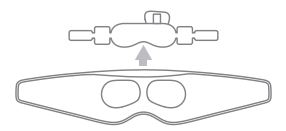
Step 2: After cleaning the mask pouch and wait for it to dry completely. Please insert the electronic parts into the mask pouch.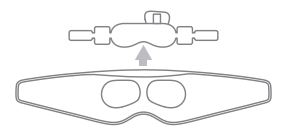
Safety Notice
- The electronic parts are unwastable.
- The mask pouch is washable. Hand wash and air dry are suggested for maintenance.
- When not in use, please switch off the Dreamlight ZEN to conserve battery life.
- Please storage Dreamlight ZEN in a dark place in room temperature.
- Do not use the Dreamlight when operating machinery or performing other tasks that require concentration.
- To avoid damage, please do not tear down the electronic components.
- Do not use the Dreamlight at extremely high temperature and high humidity. 8. Do not pierce or drop the Dreamlight.
FCC WARNING
This device complies with part 15 of the FCC Rules. Operation is subject to the following two conditions: (1) This device may not cause harmful interference, and (2) this device must accept any interference received, including interference that may cause undesired operation.
Note: This equipment has been tested and found to comply with the limits for a Class B digital device, pursuant to part 15 of the FCC Rules. These limits are designed to provide reasonable protection against harmful interference in a residential installation. This equipment generates, uses and can radiate radio frequency energy and, if not installed and used in accordance with the instructions, may cause harmful interference to radio communications.
However, there is no guarantee that interference will not occur in a particular installation. If this equipment does cause harmful interference to radio or television reception, which can be determined by turning the equipment off and on, the user is encouraged to try to correct the
interference by one or more of the following measures:
–Reorient or relocate the receiving antenna.
–Increase the separation between the equipment and receiver.
–Connect the equipment into an outlet on a circuit different from that to which the receiver is connected.
–Consult the dealer or an experienced radio/TV technician for help.
Note: The Grantee is not responsible for any changes or modifications not expressly approved by the party responsible for compliance. such modifications could void the user’s authority to operate the equipment. The device has been evaluated to meet general RF exposure requirement. This equipment complies with FCC’s RF radiation exposure limits set forth for an uncontrolled environment. This device and its antenna(s) must not be co-located or conjunction with any other antenna or transmitter.