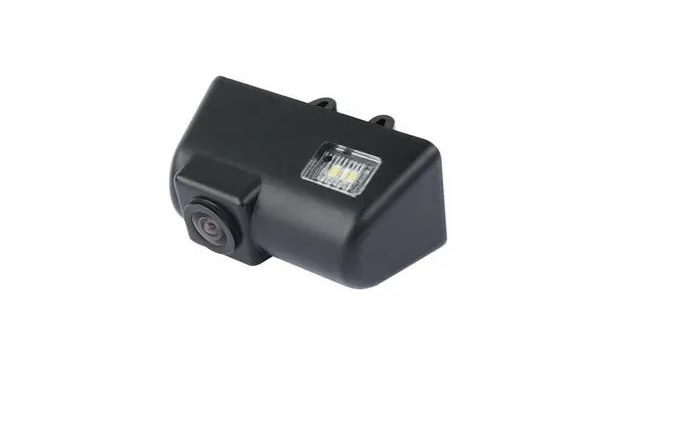

PRODUCT FEATURES:
– Replaces factory license plate light.
– Maintains the OEM look.
– With selectable parking guide lines ON / OFF.
NOTE:
– Replace the license plate light closest to the middle of the van for a better viewing angle.
PARTS INCLUDED:
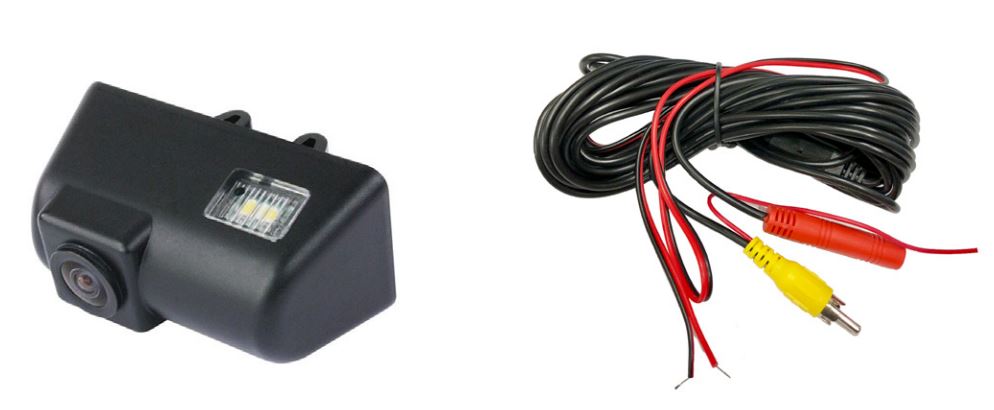
- License plate light camera
- 20” extension cable
INSTALLATION INSTRUCTIONS:
- Carefully remove the factory license plate light. You may need to push on the locking tabs from inside the rear door.
- Mount the CFD-04T with the LED light facing down.
- Run the cable to the inside of the cabin towards the radio.
- Connect the power and ground wires of the LED to the factory license plate light wires.
- Make the power and video connections to the RVC interface (i.e. Crux part# RVCFD-79A, sold separately) or the aftermarket radio.
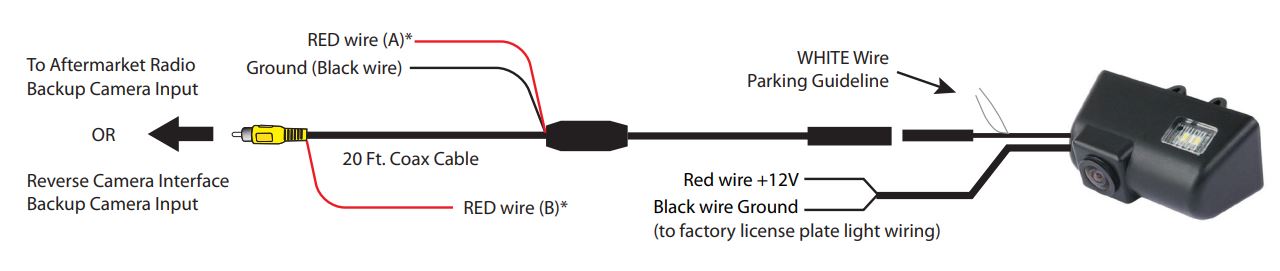
*NOTE: The camera needs a +12V trigger. Power the camera at the headunit using RED Wire B or from the reverse light wire using RED Wire A. DO NOT connect both wires to +12V at the same time. Insulate the red wire that is not being used. Tap the Black wire to an existing ground lead, or ground Black wire securely to vehicle body metal.

VEHICLE APPLICATIONS:
2010 – 2016 Ford Transit Connect
