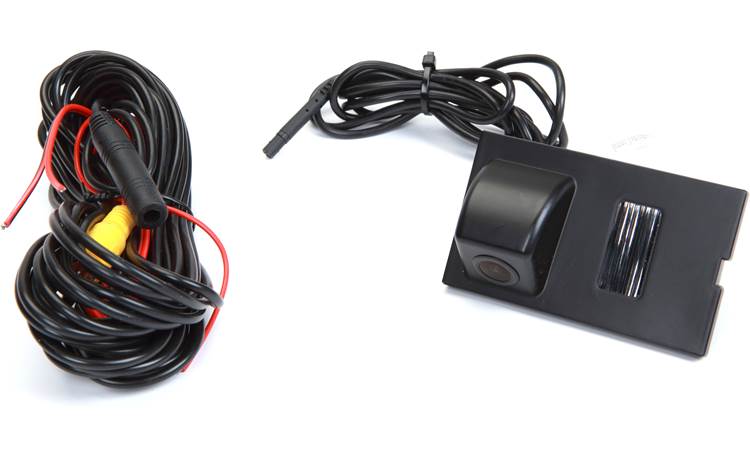

PRODUCT FEATURES:
– Replaces factory license plate light assembly.
– Selectable Parking Guide Line ON or OFF.
– Maintains the OEM look.
PARTS INCLUDED:
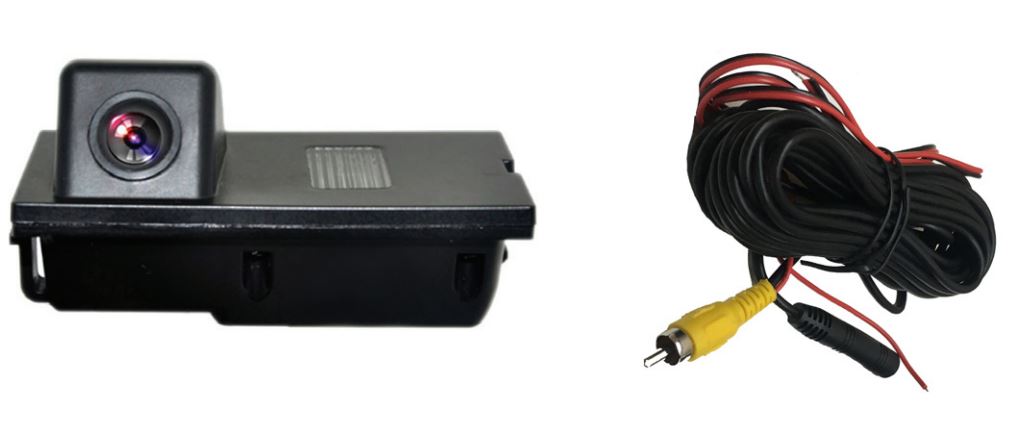
- License Plate Light camera
- 20” extension cable
INSTALLATION INSTRUCTIONS:
- Carefully remove the factory license plate light.
- Remove the bulb assembly and install in the CLR-10 camera housing.
- Run the camera cable to the inside of the cabin towards the radio.
- Make the power and video connections to the rear view camera integration interface or the aftermarket radio.
- Test the camera for functionality.
- Install the new license plate light camera.

*NOTE: To power the camera, use RED Wire A or B. If tapping power from the radio or RVC Interface, make sure to insulate RED Wire A to avoid it from shorting. If you will be tapping power from the reverse light +12V, insulate RED
Wire B to avoid it from shorting. With either connection the Black GROUND wire needs to be connected to a solid chassis ground. For vehicles with manual transmission, we recommend tapping +12V power from the reverse light.
WHITE Wire: Connect to show parking guide line. Disconnect to remove. Insulate with tape to avoid from shorting.
Note: Cycle the camera power after connecting or disconnecting the control wire.
VEHICLE APPLICATIONS:
LAND ROVER
2004-2016 Discovery
2006-2014 Freelander 2
2004-2013 Range Rover Sport
