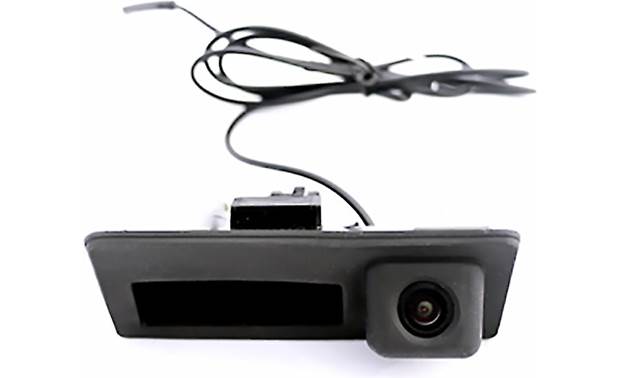

PRODUCT FEATURES:
– Replaces factory trunk handle assembly.
– Retains push button trunk release switch function.
– Selectable Parking Guide Line ON or OFF.
– Maintains the OEM look.
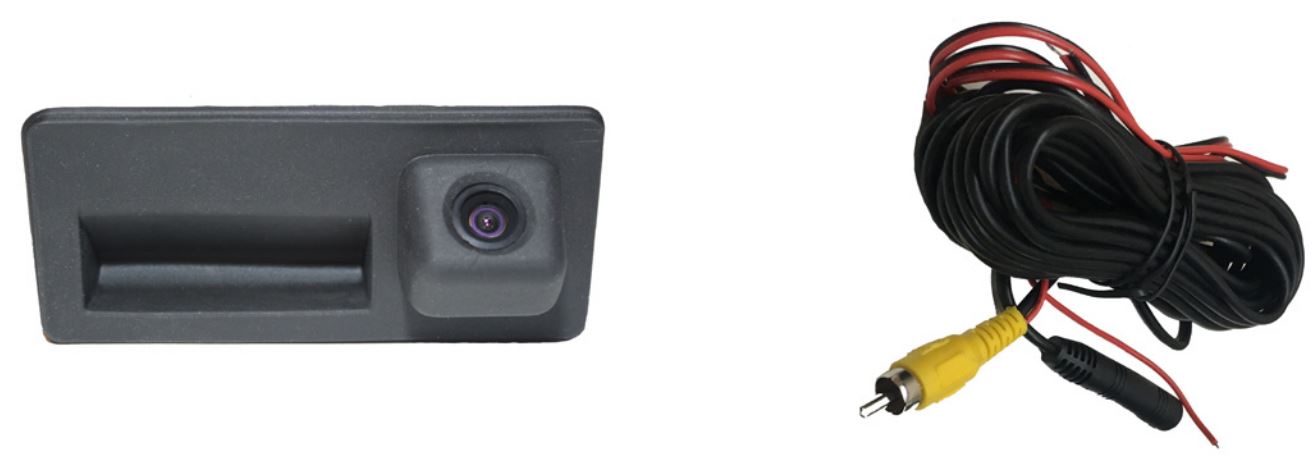
PARTS INCLUDED:
- Trunk handle camera
- 20” extension cable
INSTALLATION INSTRUCTIONS:
- Carefully remove the factory trunk handle. It is held in place by 2 screws behind the handle.
- Unplug the trunk release switch connector.
- Run the CAD-05T camera cable to the inside of the cabin towards the radio.
- Make the power and video connections to the RVC interface or the aftermarket radio.
- Test the camera for functionality
- Plug the factory trunk release connector to the CAD-05T.
- Install the new trunk handle camera.

*NOTE: The camera needs a +12V trigger. Power the camera at the headunit using RED Wire B or from the reverse light wire using RED Wire A. DO NOT connect both wires to +12V at the same time. Insulate the red wire that is not being used. Tap the Black wire to an existing ground lead, or ground Black wire securely to vehicle body metal.

VEHICLE APPLICATIONS:
AUDI
2015-2018 A3
2009-2016 A4
2009-2016 A5
2012-2016 A6
2009-2014 A8
2009-2017 Q3
2009-2017 Q5
2009-2017 S4
2009-2017 S5
2009-2014 S8
VOLKSWAGEN
2010-2016 Golf SEL
2011-2016 Jetta
2011-2016 Passat
Convertibles may need Crux part# CAD-05R
